Choosing home jukebox software for a Windows PC and a touchscreen? Here’s how the main options compare.
If you search for home jukebox software, the same names keep coming up: TouchJams, Jukeblaster and ZenPoint Digital Center. I’m also building my own, Dino’s Jukebox. So I’ve put all four side by side.
A quick word on bias: I wrote Dino’s Jukebox, so I’m not neutral. Therefore, to keep this fair, I’ve only listed what each maker says on its own website (checked in October 2026). Prices are as listed in October 2026 and can change, so check each site before you buy.
Home jukebox software at a glance
| TouchJams | Jukeblaster | ZenPoint | Dino’s Jukebox | |
|---|---|---|---|---|
| Runs on | Windows | Windows, plus a Raspberry Pi 4 version | Windows 10 and 11 | Windows 10 and 11 (64-bit) |
| Licence | Paid full version, free demo | Paid, in several editions | One-off purchase; 7-day free trial | Not released yet |
| Price | £37.23 | £38 | £49.65 | £29.99 (planned) |
| Touchscreen | Yes | Yes | Yes | Yes |
| Coins or notes | Coin boxes, note validators, takings reports | Pub edition, plus a ccTalk coin kit | Professional edition | Coin mechanism or Free Vend |
| Music videos | Yes | Videobox edition | Yes, plus films | No – music only |
| Karaoke | MP3+CDG (per the maker) | Videobox edition | Yes: CDG and LRC, key and tempo change | No |
| Phone control | Any web browser on your network | Android app | Scan a code, no app needed | iPhone app; iPad version coming soon |
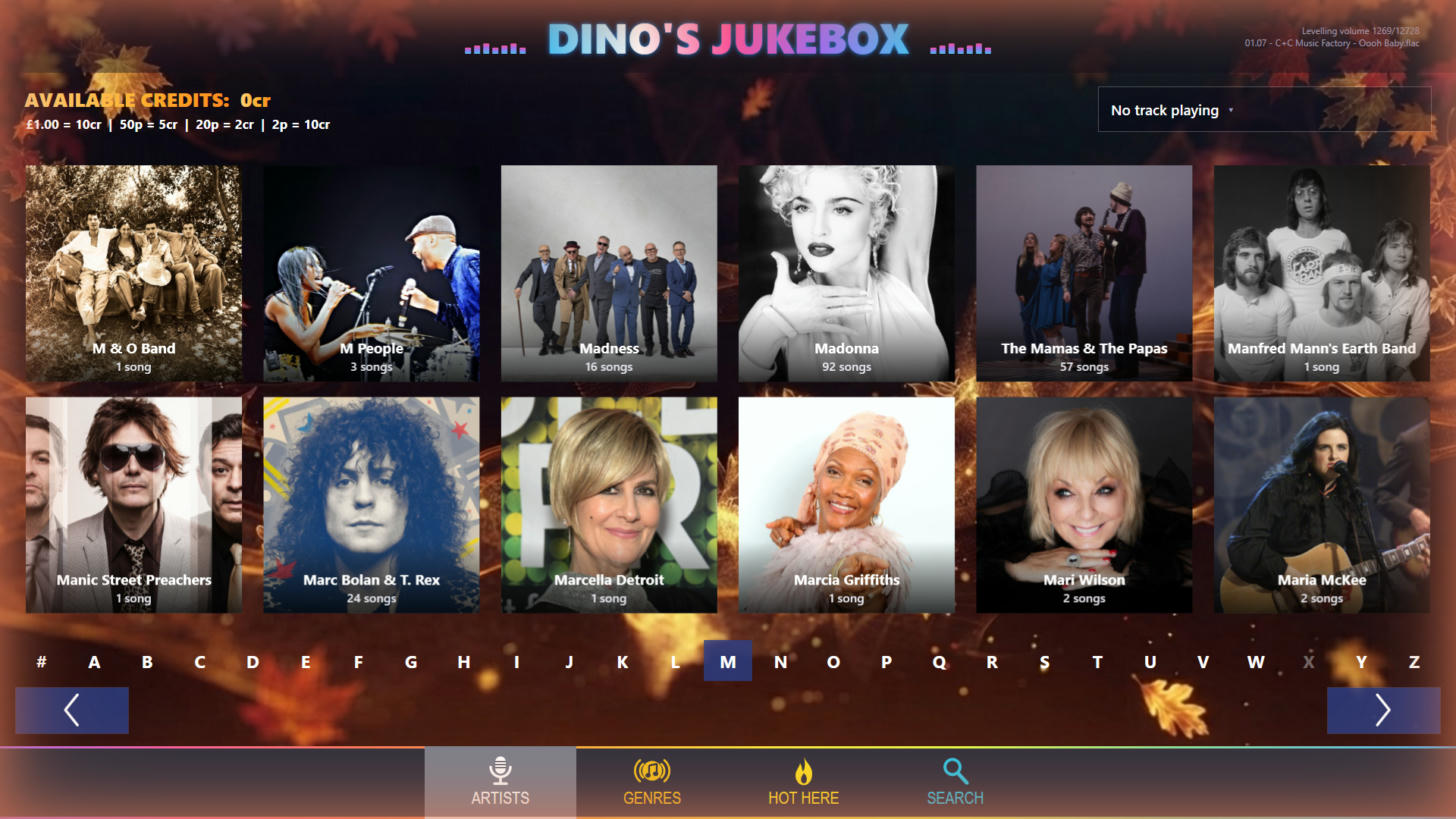
| Look and feel | Fully skinnable, with a skin editor | Varies by edition | Skins catalogue and skin editor | Seasonal themes |
| Stand-out extras | Auto DJ, 10-band EQ, internet radio | Happy Hour, timers, upright screens, second-room selector | Arcade games, photo booth, second screen | Own Top 50 chart, adjustable DJ-voiced countdown (up to the Top 50), built-in radio stream that can play on an Amazon Echo |
TouchJams
First, TouchJams is a long-running commercial jukebox program for Windows. It’s built for touchscreens, yet it works with a mouse too. Above all, its strengths are control and customisation. For example, you get a fully skinnable look with its own skin editor, an Auto DJ, a 10-band equaliser and dual-monitor support. In addition, you can manage it from any web browser on your network, and user and group controls stop guests changing things.
Meanwhile, for pubs, it handles coin boxes and note validators and keeps track of takings. Best for: people who want to make the jukebox look exactly their own, or run it in a business.
Jukeblaster
Jukeblaster comes as separate editions rather than one program. For instance, Home Jukebox is the simple audio version for home use. Pub Jukebox adds Happy Hour, background music timers, upright (portrait) screens and flexible currency support. Similarly, Videobox adds music videos and karaoke. There’s also a Raspberry Pi 4 version, which is unusual.
In addition, an Android app works as a remote with all of them. For pubs, a second “slave” selector can sit in another room. Best for: a small dedicated box on a Raspberry Pi, or a pub that wants proper venue features.
ZenPoint Digital Center
ZenPoint is the all-rounder of the group. Besides the jukebox, it has karaoke with word-by-word lyrics, key and tempo change, films and videos, retro arcade games and a photo booth. Furthermore, guests can scan a code with their phone to browse and queue songs, without installing an app. It also works fully offline with your own library.
Better still, it’s a one-off purchase with no subscription, in Home and Professional editions, and a 7-day trial unlocks everything. Meanwhile, Professional adds coin play and a commercial licence. Best for: parties and family rooms, where karaoke and video matter as much as music.
Dino’s Jukebox
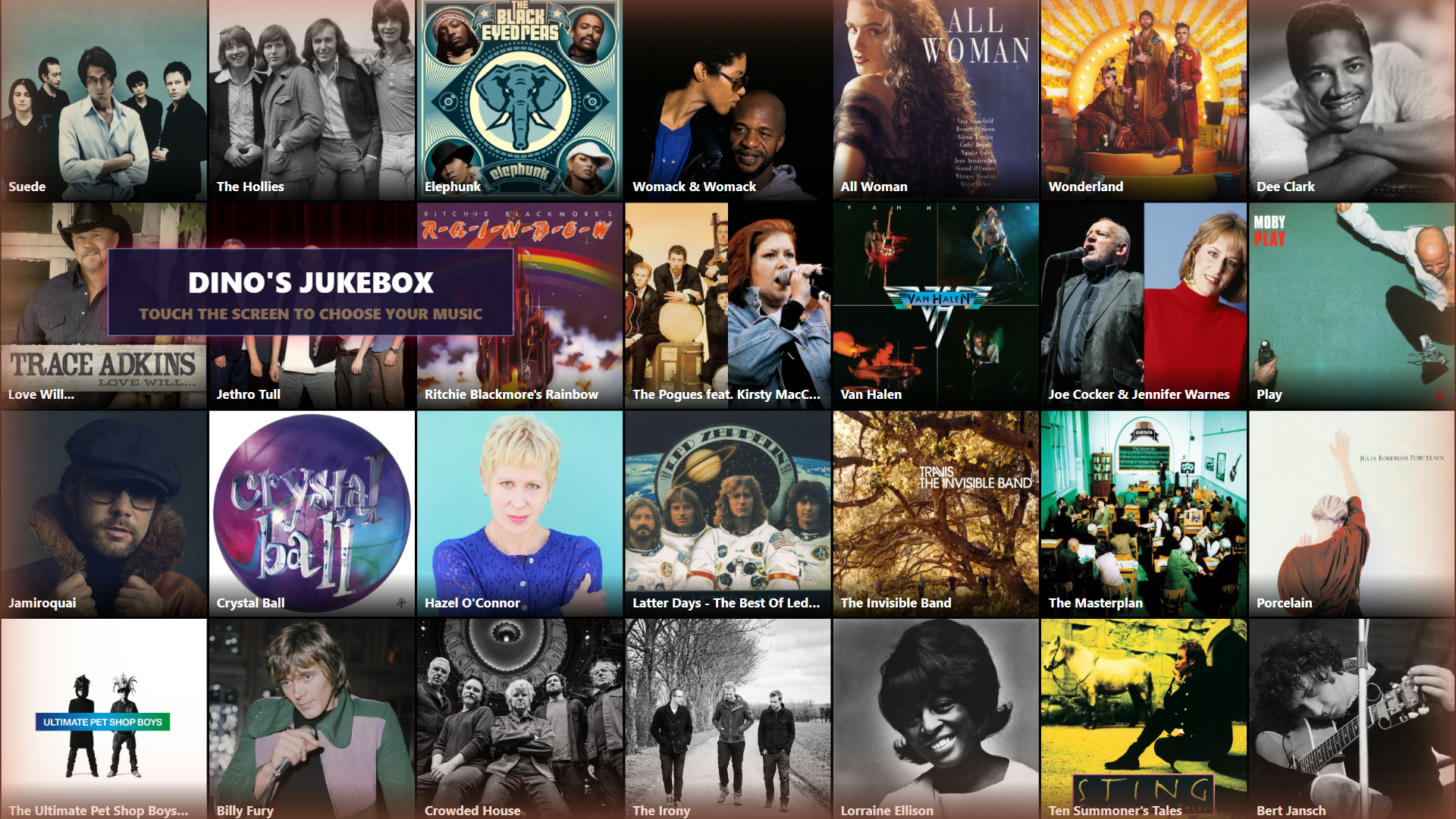
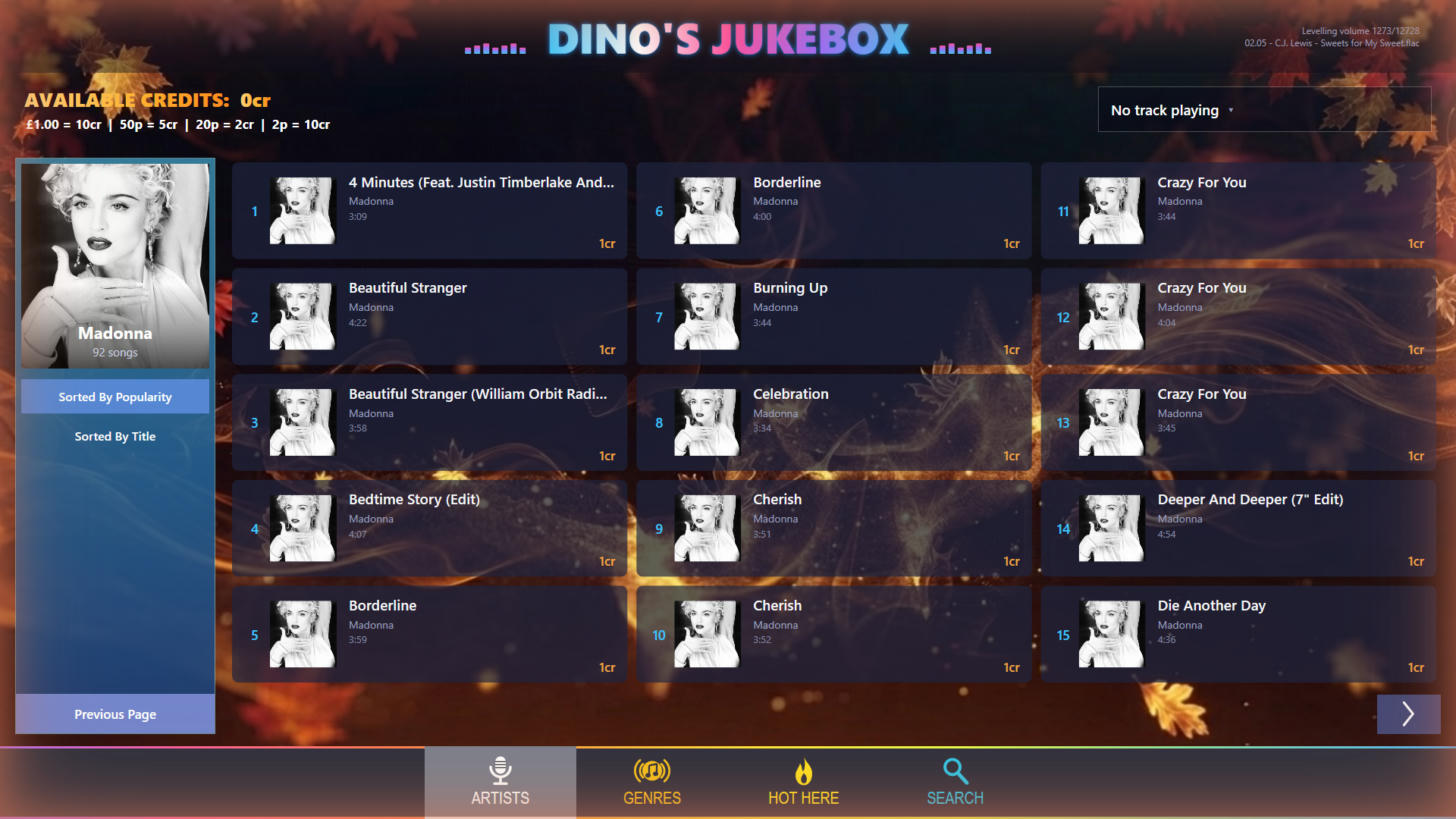
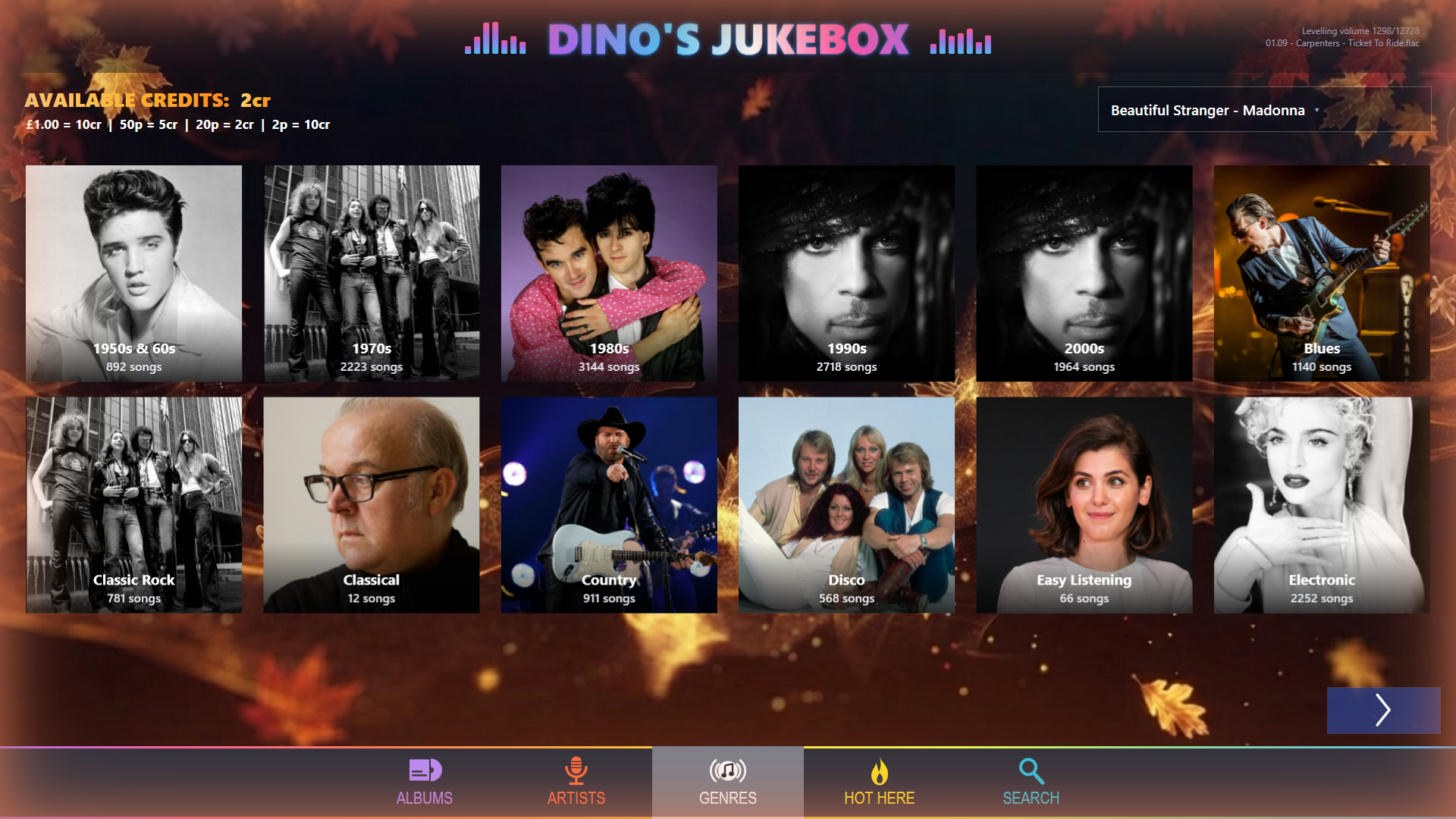
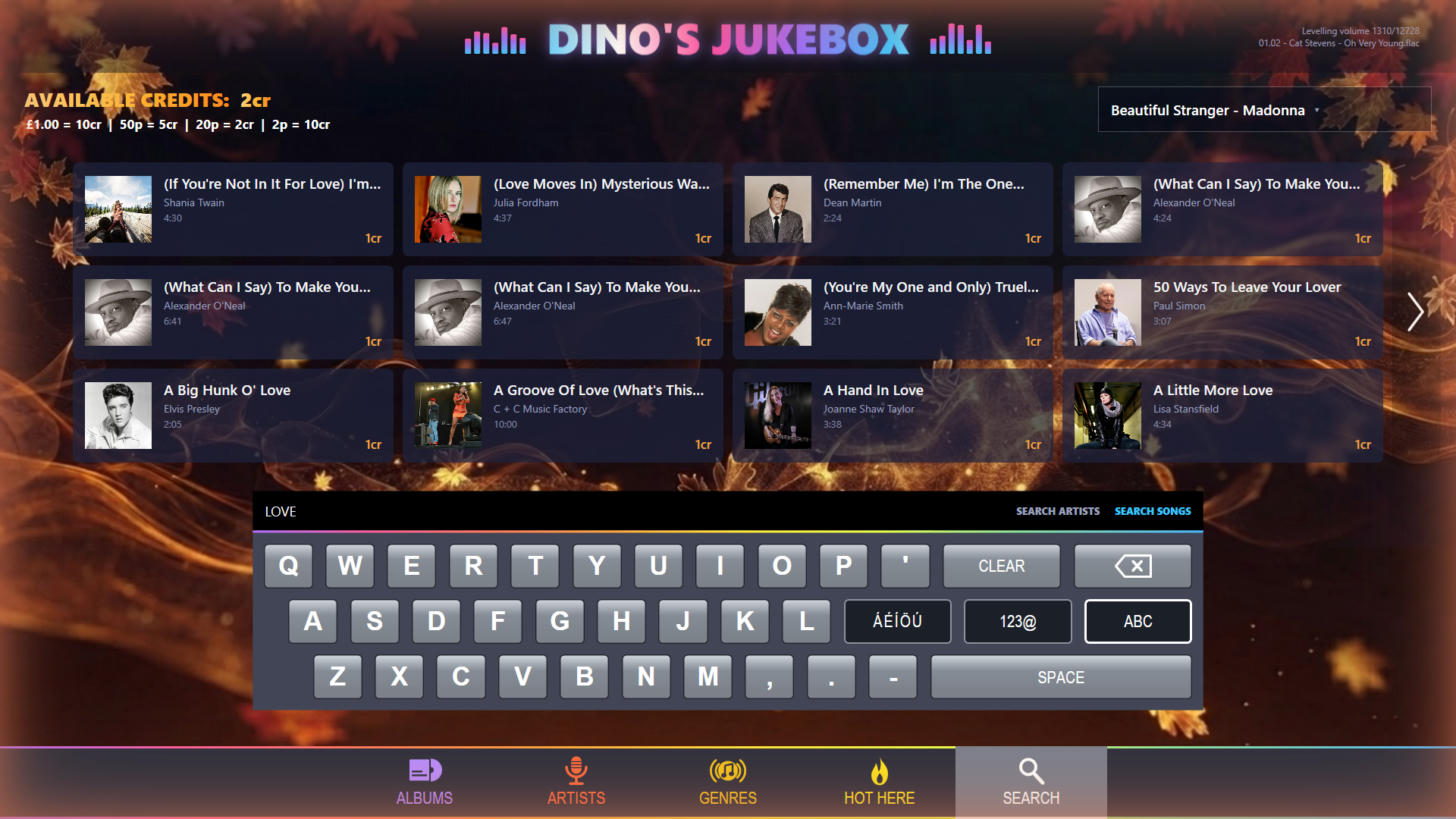
Dino’s Jukebox is my own project. I built it because none of the others did quite what I wanted. It isn’t finished yet, so you can’t download it today, but the planned price is £29.99. It deliberately does one thing: music, presented like a real pub jukebox. In other words, it doesn’t do video, karaoke or games.
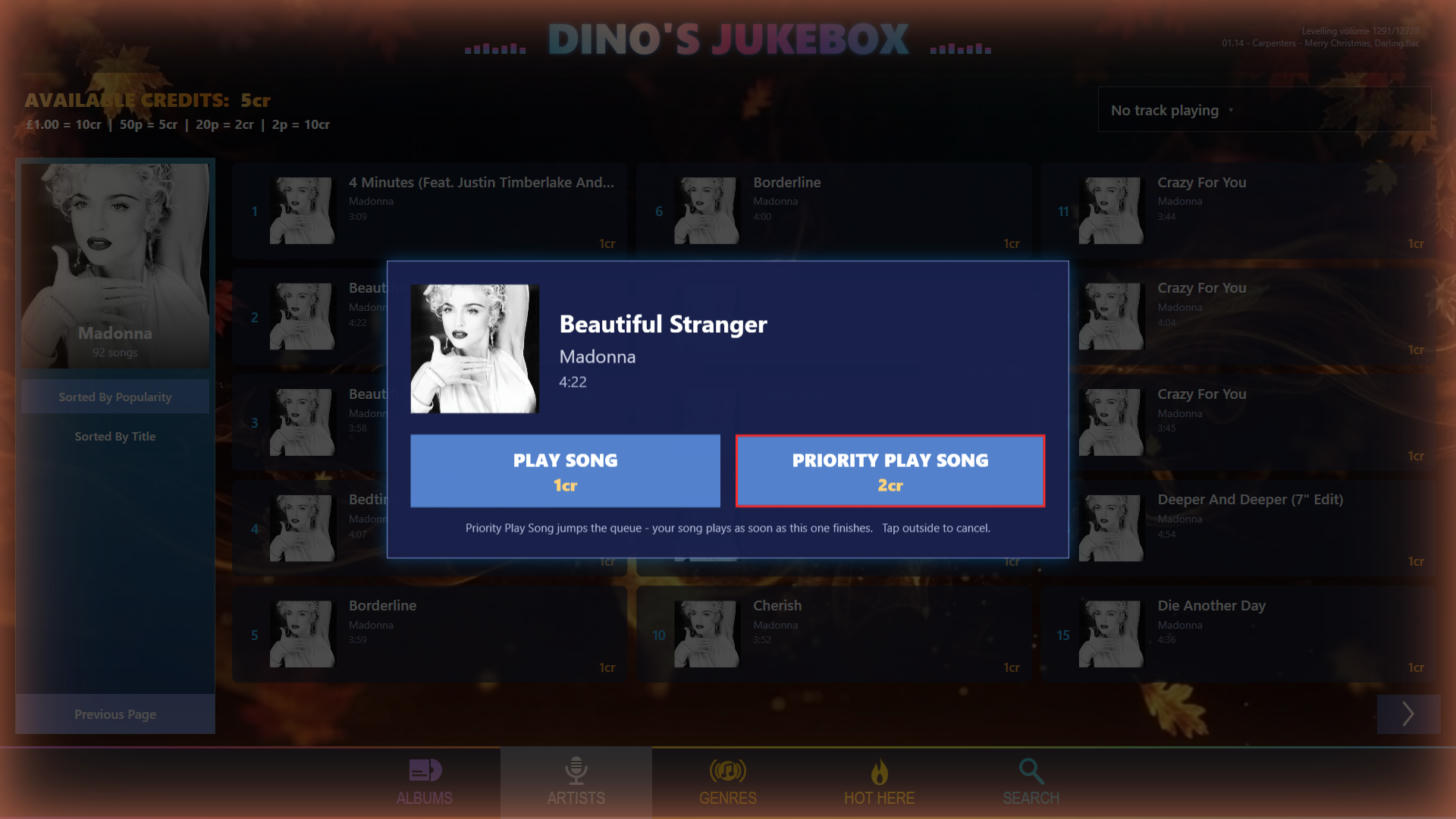
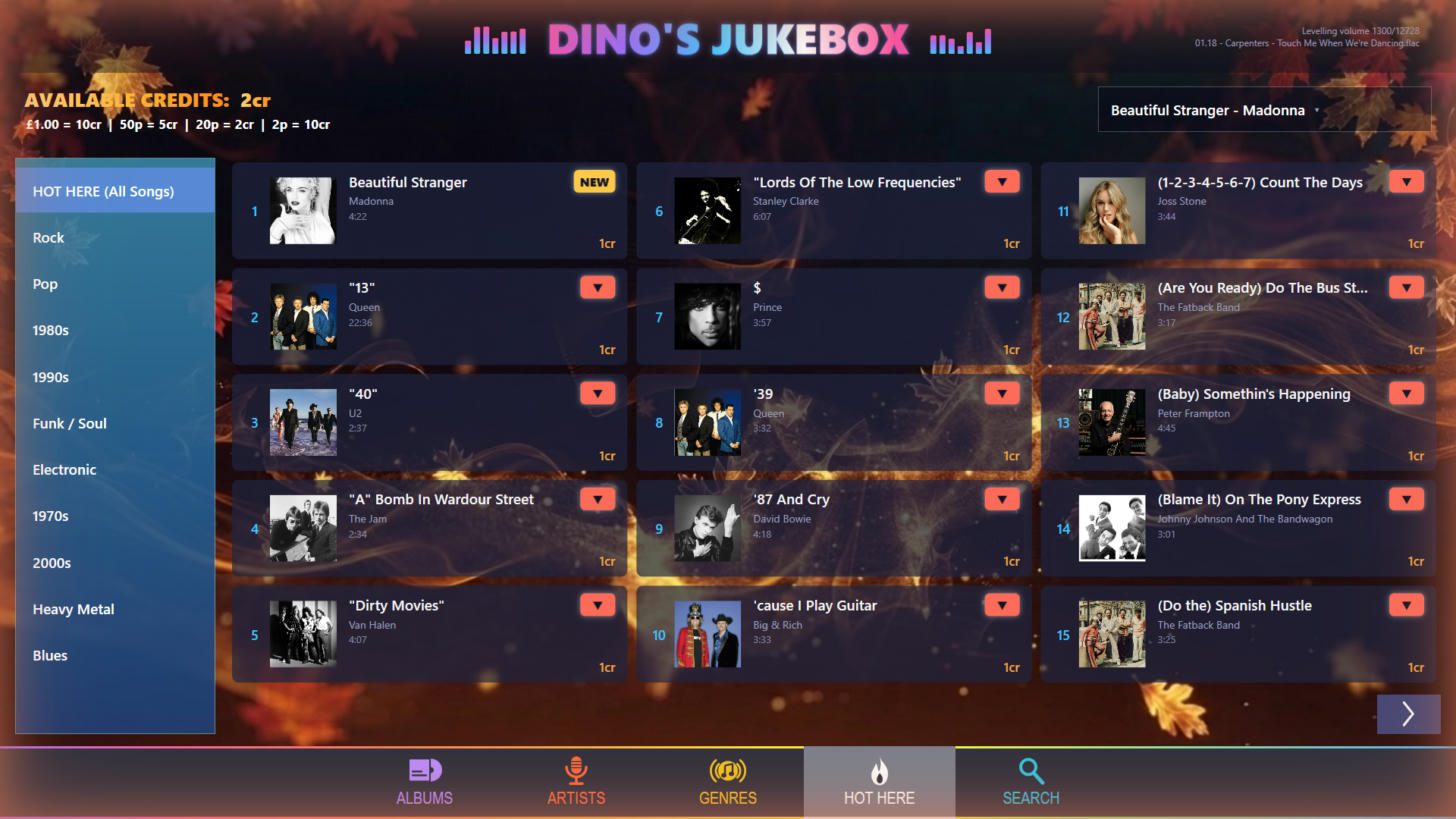
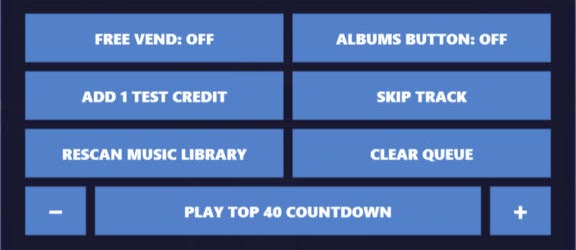
Instead, it focuses on things the others don’t emphasise. It keeps its own “Hot Here” Top 50 chart from what people actually play. Then a natural-sounding DJ voice, running offline on the PC, counts down the chart like a radio show. You can also choose how long the countdown is, right up to the full Top 50. Moreover, it levels every track to the same loudness, and a built-in radio stream lets you listen in other rooms. As a result, you can even play the jukebox on an Amazon Echo, using the method in my Echo streaming guide. At home it runs on Free Vend; in a pub it takes coins and offers Priority Play. For control, there’s an iPhone remote app, and an iPad version is coming soon. A dedicated iPhone music player based on the same software is also on the way. Best for: people who want a music-only jukebox with a pub feel – once it’s released.
Which home jukebox software should you choose?
- Karaoke, films or games as well as music: ZenPoint.
- A Raspberry Pi, or an Android phone as the remote: Jukeblaster.
- Deep customisation, browser control or note validators: TouchJams.
- A music-only pub jukebox with its own chart and DJ countdown: Dino’s Jukebox, when it’s ready, at a planned £29.99.
TouchJams has a free demo and ZenPoint has a 7-day trial, while Jukeblaster’s site lists its editions and add-ons separately. Either way, the best test is simple: try them on your own music and your own screen. I’ll update this comparison when Dino’s Jukebox is released, and you can follow progress on the Dino’s Jukebox page.