Need Dino’s Jukebox support on your iPhone? Email developer@matthews.casa and I’ll get back to you, usually within a couple of days. It helps to say which iPhone and iOS version you have, which music source you’re using, and what happened.
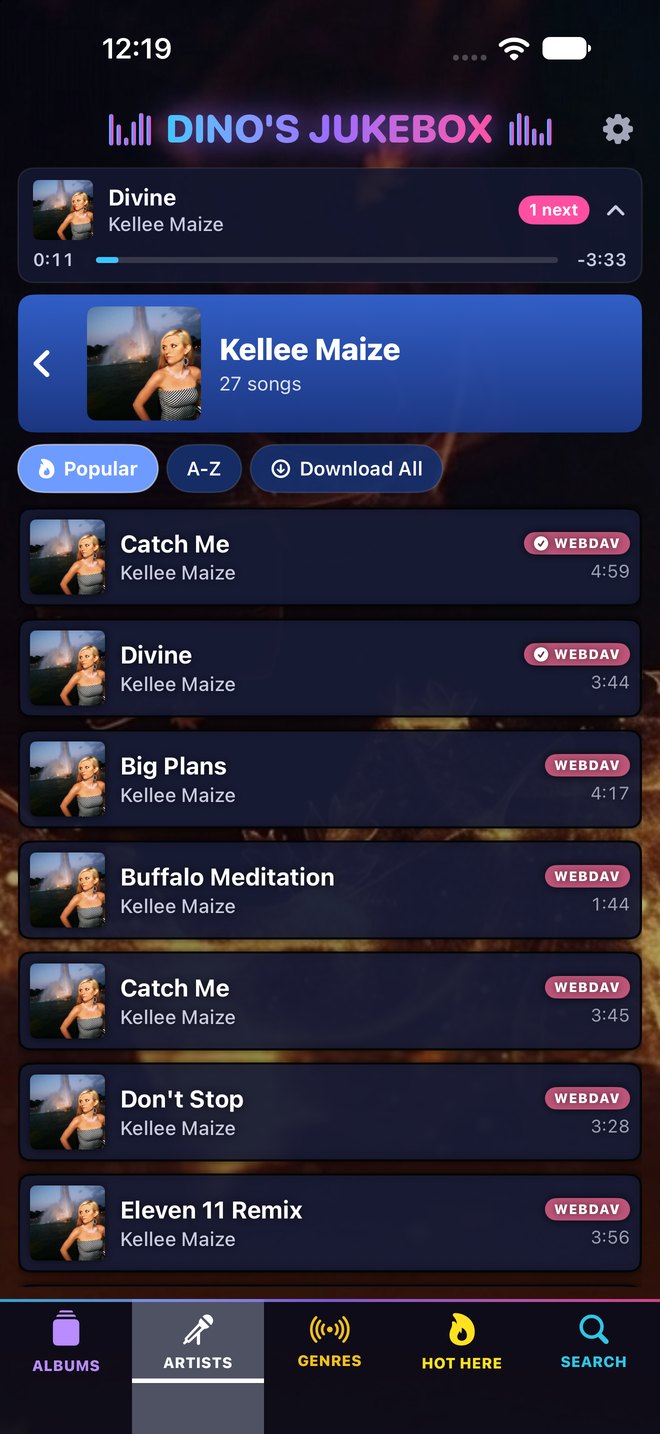
Getting started
- Open the app and tap Configuration.
- Scroll to Music sources at the bottom and choose where your music is – for example a network share, Plex, Synology Audio Station, WebDAV or Dropbox.
- Then switch the source on, sign in, and wait for the jukebox to find your songs. You can carry on using it while it looks.
Common questions
The jukebox can’t find any music
Go to Configuration › Music sources and check you’ve switched a source on and signed in, then tap Look Again. If your music is on a home server, make sure the iPhone is on the same Wi-Fi and that you’ve allowed Local Network access in iPhone Settings › Privacy & Security › Local Network.
The app can’t find my server on the Wi-Fi
Check you’ve given Dino’s Jukebox Local Network access (iPhone Settings › Privacy & Security › Local Network). You can also type the server’s address in yourself.
A song stops early or skips
This usually means the connection to the server dropped. The jukebox retries automatically; if it keeps happening, check the Wi-Fi signal or download the songs you play most.
Lyrics are missing or out of time
Lyrics come from LRCLIB and aren’t available for every song or every version of a song. On the song, tap Forget Saved Lyrics to look them up again.
A chart position looks wrong
Chart positions come from Wikipedia and can occasionally be missing or wrong. You can switch them off in Configuration › Display.
The music sounds thin or harsh on the iPhone speaker
Try the equaliser in Configuration › Equaliser – the iPhone Speaker preset suits it best.
How do I use it in the car?
Plug your iPhone in or connect wirelessly to a CarPlay car and Dino’s Jukebox appears on the car’s screen.
How do I start again?
Configuration › Reset Jukebox forgets your songs, chart and music sources. Deleting the app removes everything.
More Dino’s Jukebox support
About Dino’s Jukebox for iPhone · Privacy policy
How do I cancel my subscription or free trial?
On your iPhone open Settings, tap your name, then Subscriptions, choose Dino’s Jukebox and tap Cancel Subscription – or in the app go to Configuration › About › Subscription › Manage Subscription. Cancel at least 24 hours before the trial or year ends to avoid the next charge.
I’ve subscribed but the app still asks me to
Tap Restore Purchases on the subscribe screen, and check you’re signed in with the same Apple Account you subscribed with. This also works on a new iPhone.
Where do I download it?
Dino’s Jukebox is on the App Store. It’s free to download with a 7-day free trial, then £7.99 a year.